Article Limit and Auto-Remove Settings in Curator
3 min
This document explains how to set article limits for collections and configure automatic removal of older articles when limits are reached.
Benefits
- Improved collection loading speed
- Better user experience
Recommendations
- We recommend keeping collection size to 40-50 articles maximum
- For news-oriented collections, consider lower limits (20-30 articles)
- Review collection performance regularly to adjust limits as needed
Setting Article Limit Per Collection
Login to the Hub with a user who has "Admin" rights
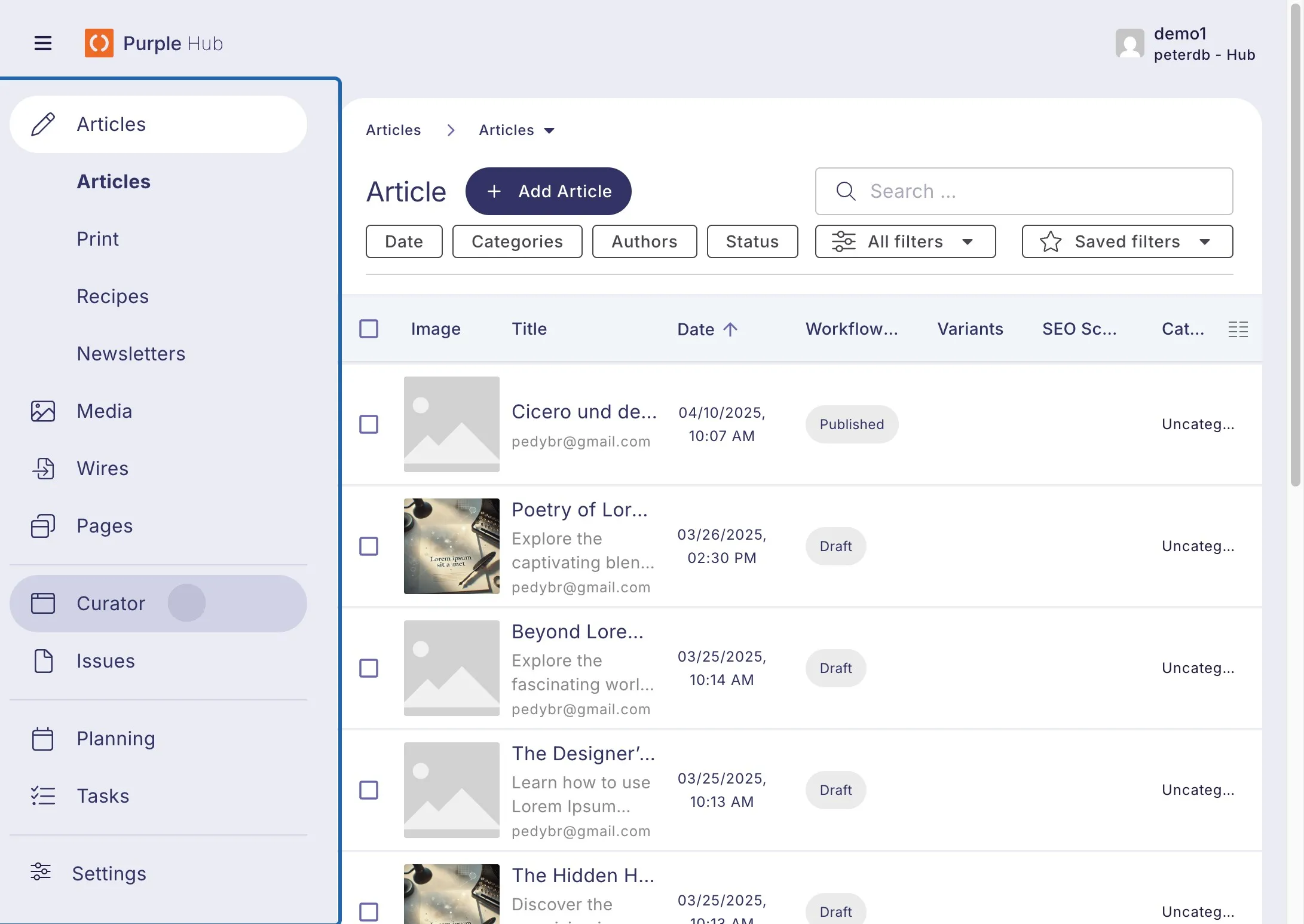
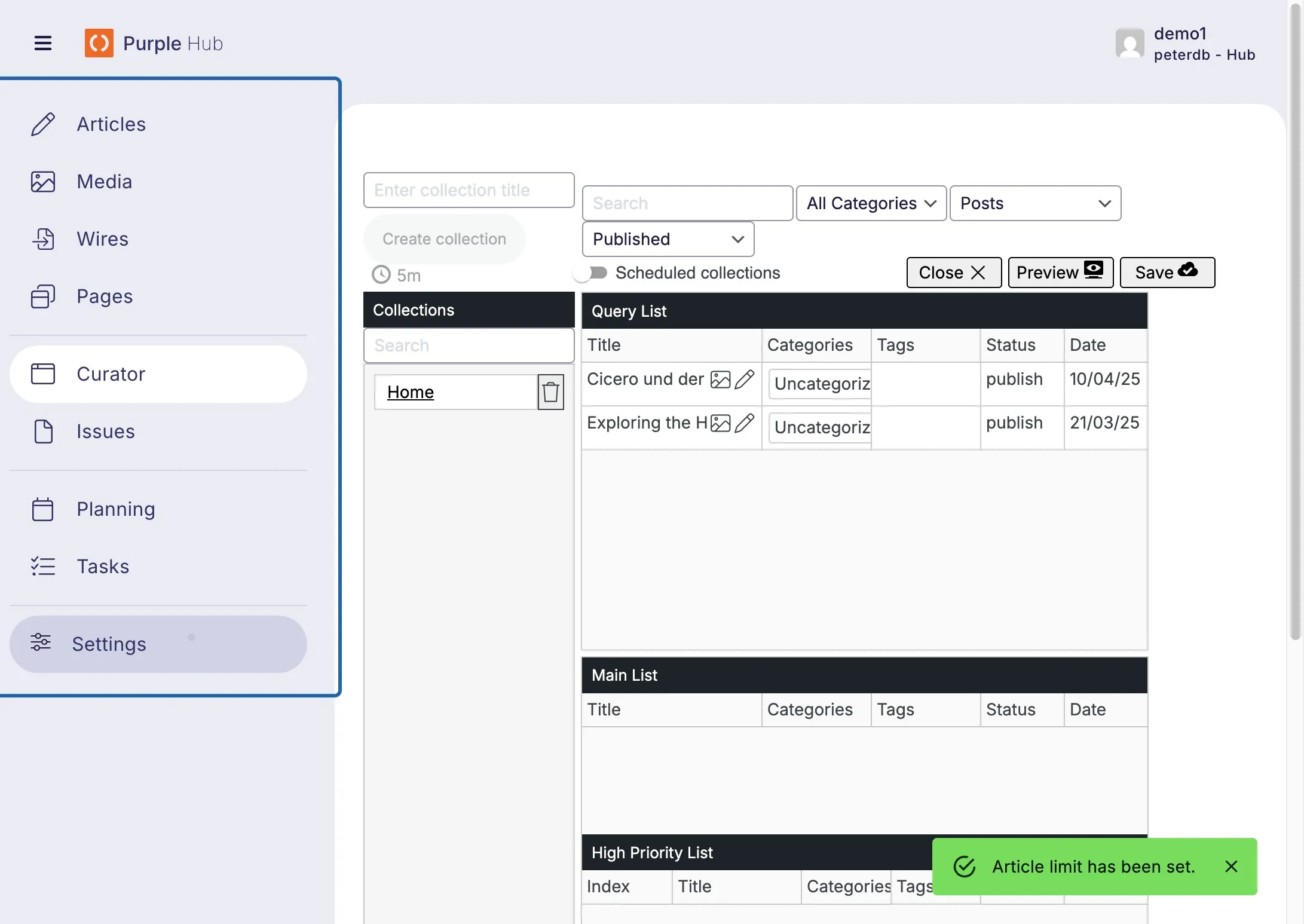
Click on Curator
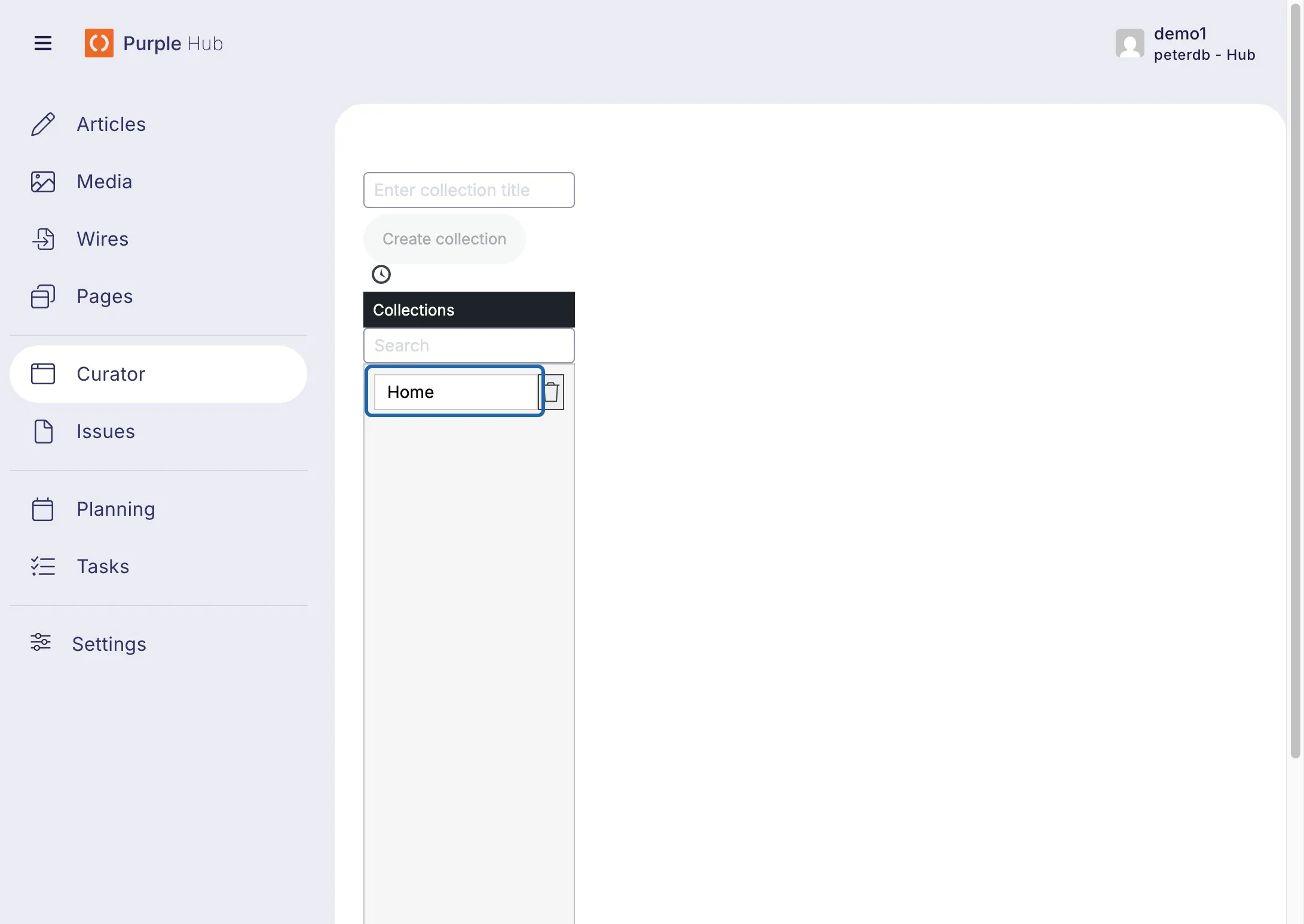
Click on the collection you want to set the limit for
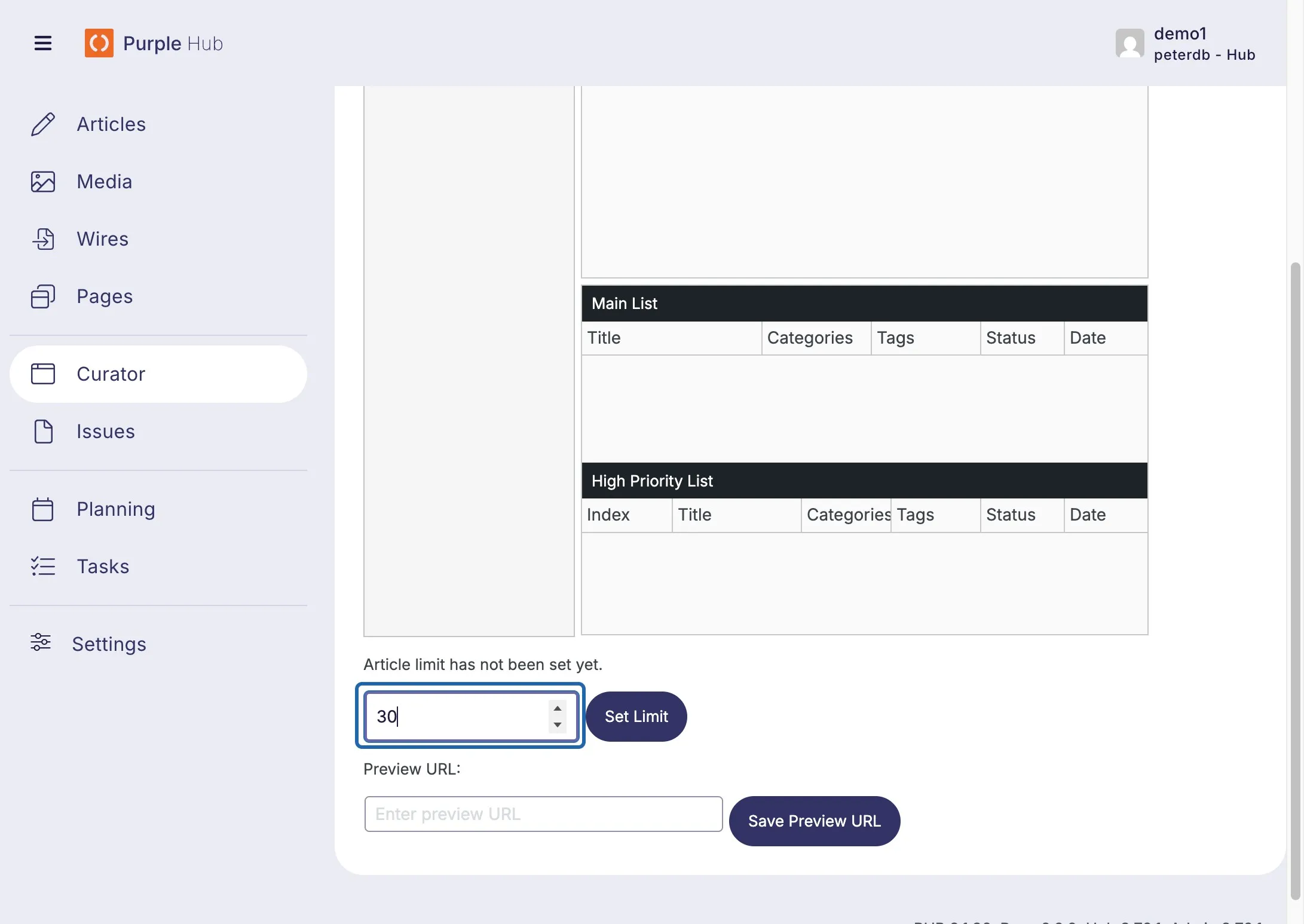
At the bottom of the collection screen, enter the limit you like to set for the collection
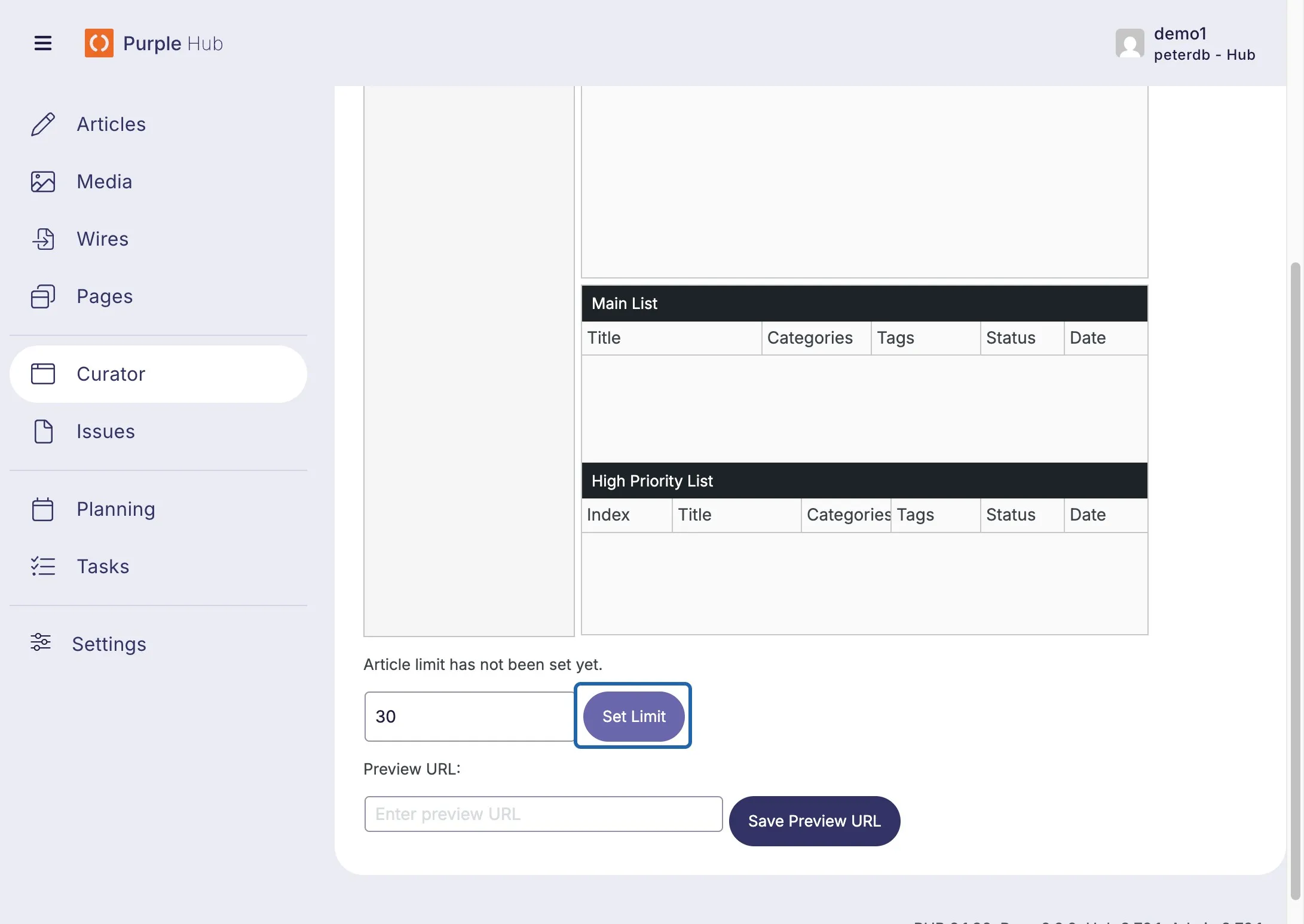
Click on Set Limit to save the setting
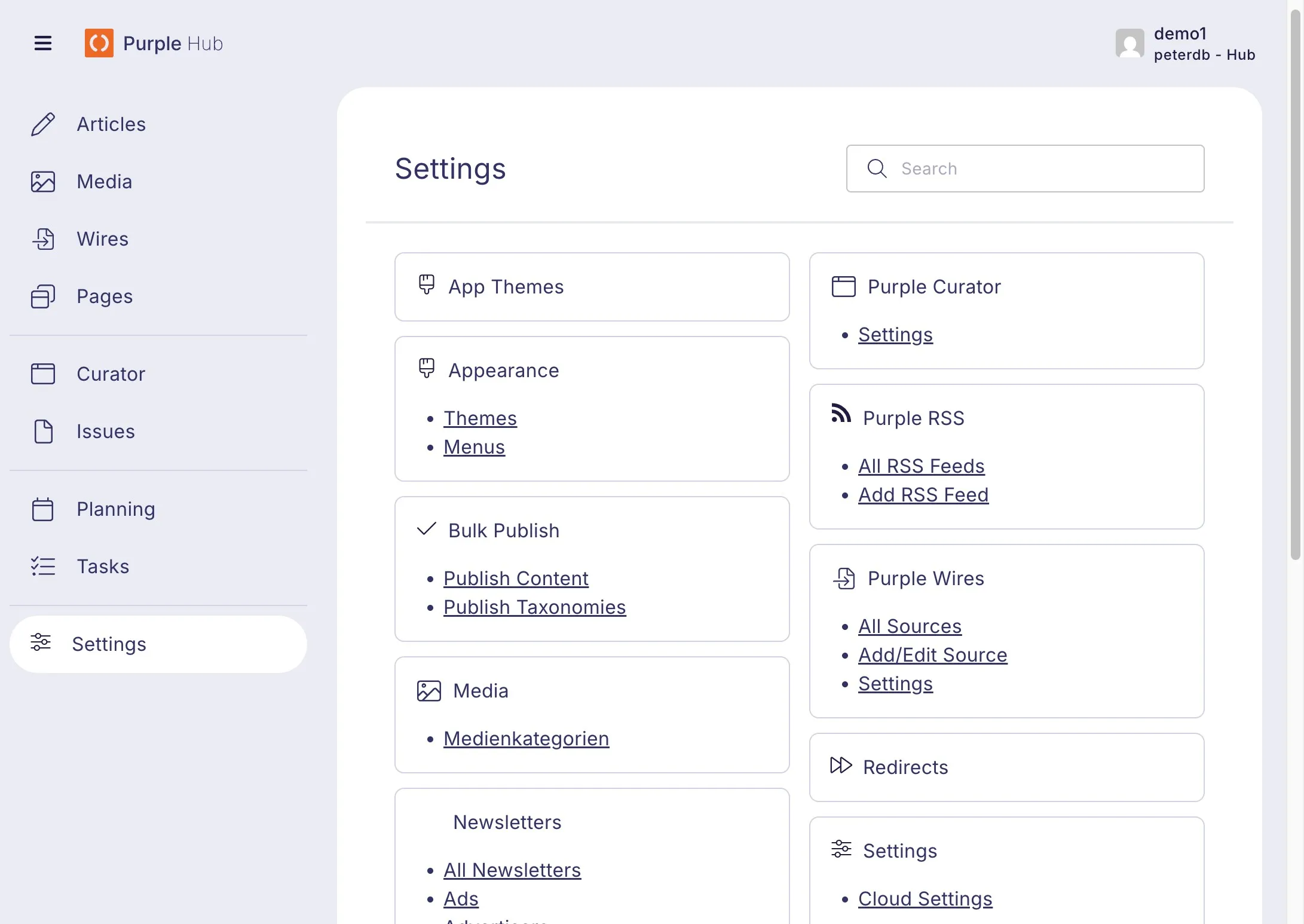
Click on "Settings" (Curator > Settings in the main menu for the old design)
Click on Purple Curator > Settings
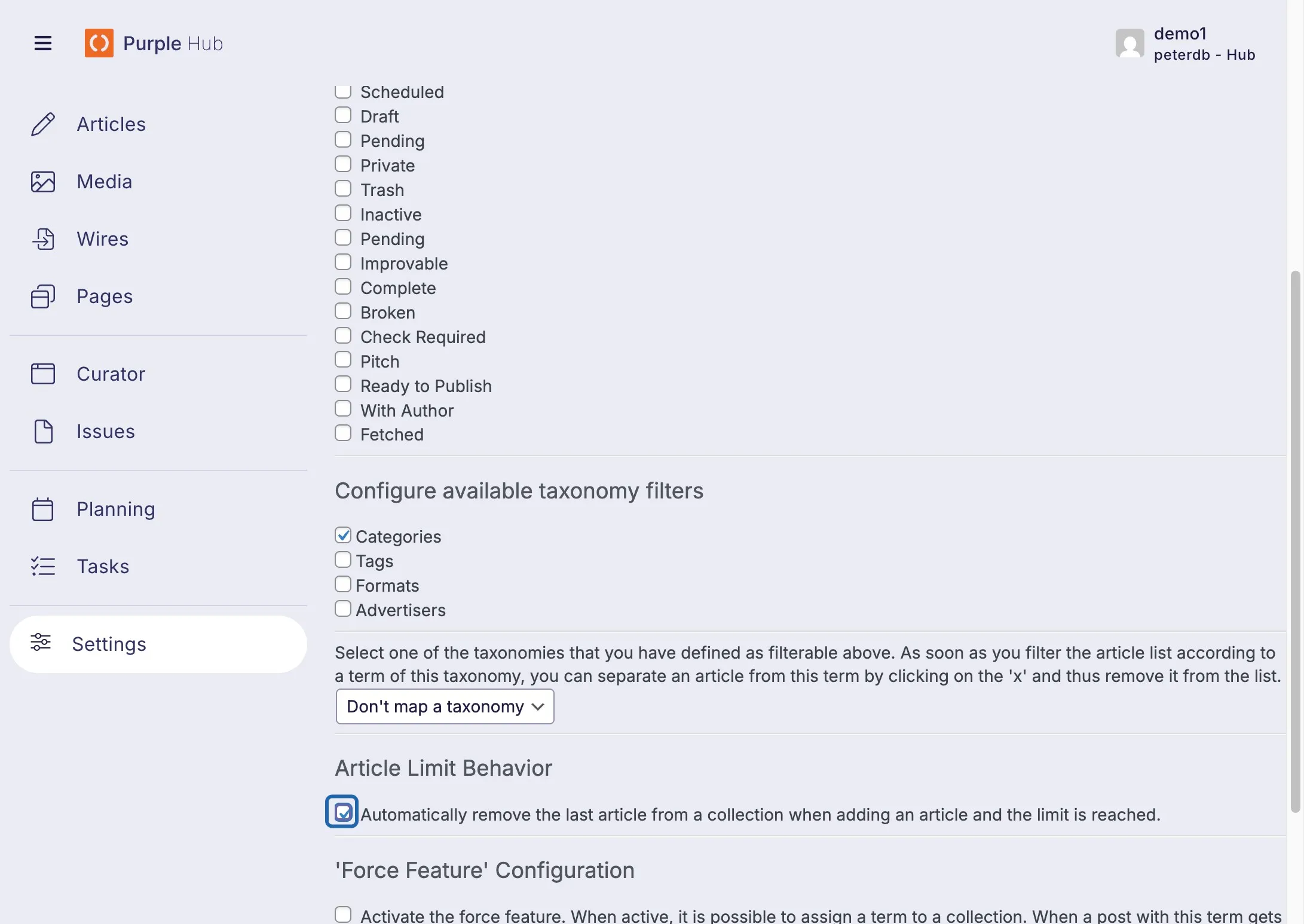
Check "Automatically remove the last article from a collection when adding an article ..."
Click on Save Settings
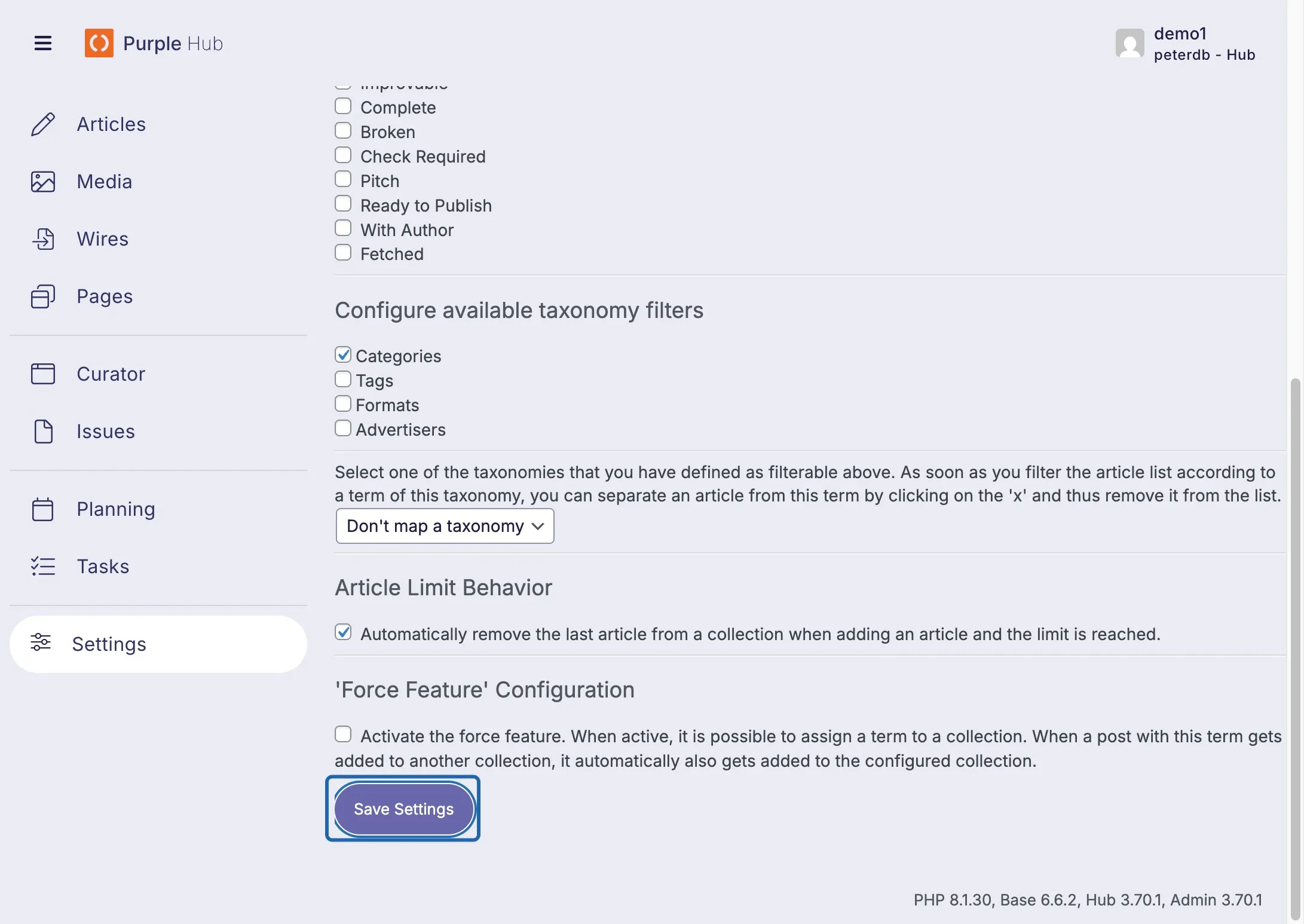
Done