Android: Setup purchase validation
5 min
Purple Manager
Summary
In this article, you learn how to set up the purchase validation for the Google Play Store in Purple Manager in order to make it possible to Set up Real time developer notifications and to allow the enablement of in-app purchases for your Android app.
Preconditions
- Have an app created in Purple Manager
- Have at least 'App Admin' role in Purple Manager
- All apps in your Purple Manager team are part of the same Google Play account
- In the Google Play console, have a Google Cloud project linked below API access
- Have the Private key JSON downloaded from the Google Play console to your computer
How-to guide
1. Go to Purple Manager
2. Go to 'App' → 'Overview'
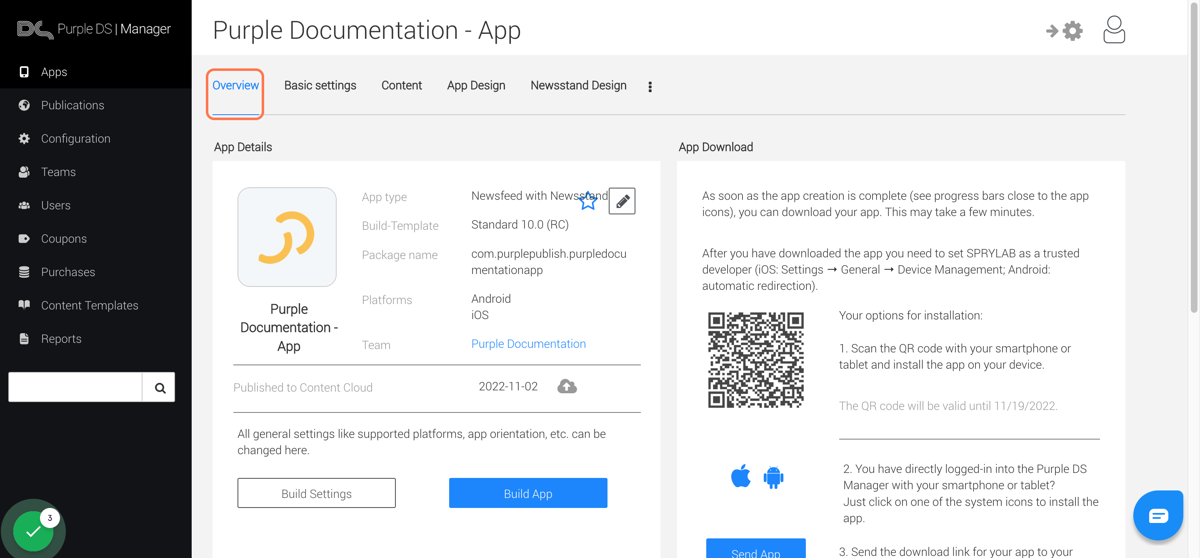
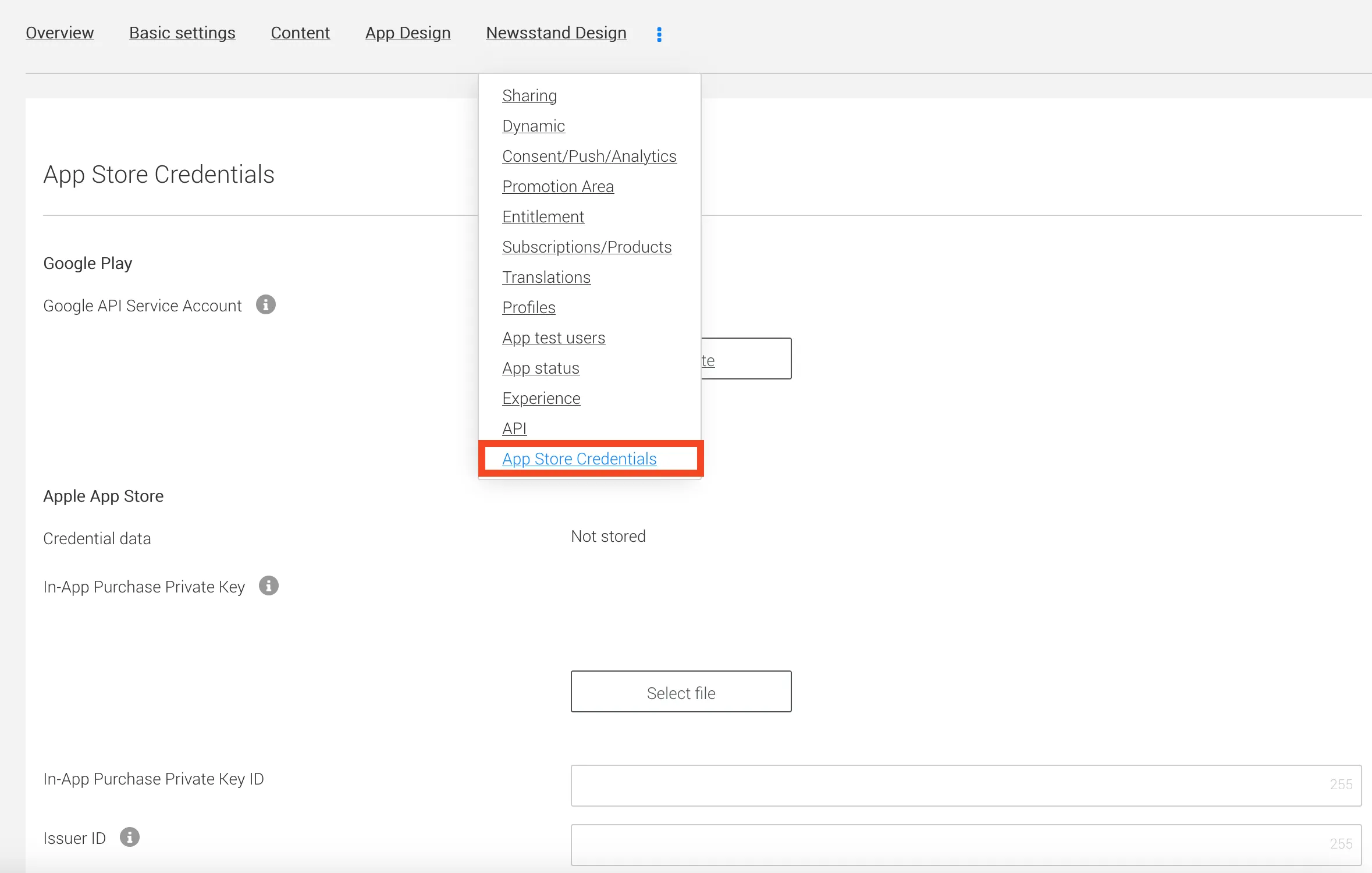
3. Click on the 3-dot menu and select 'App Store Credetials'
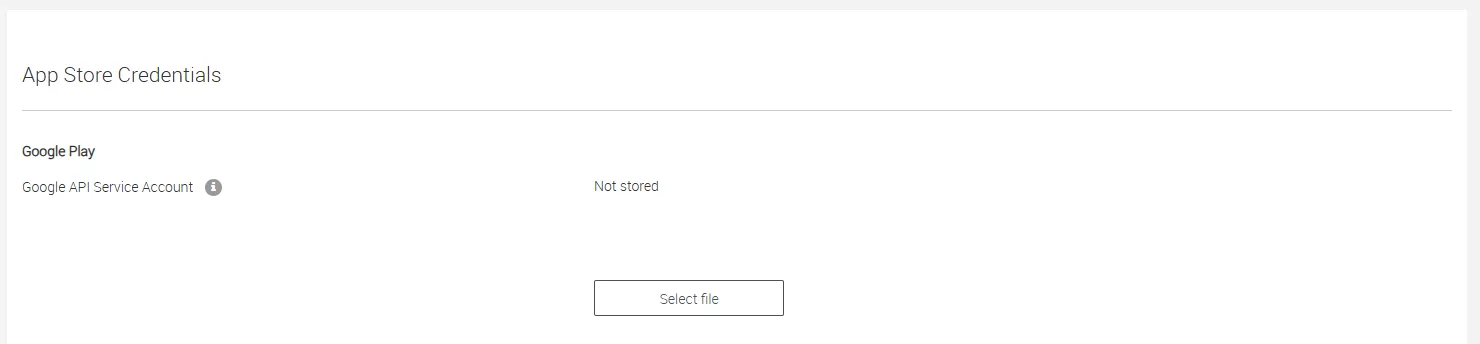
4. Go to 'Google API Service Account' and click on 'Select file'
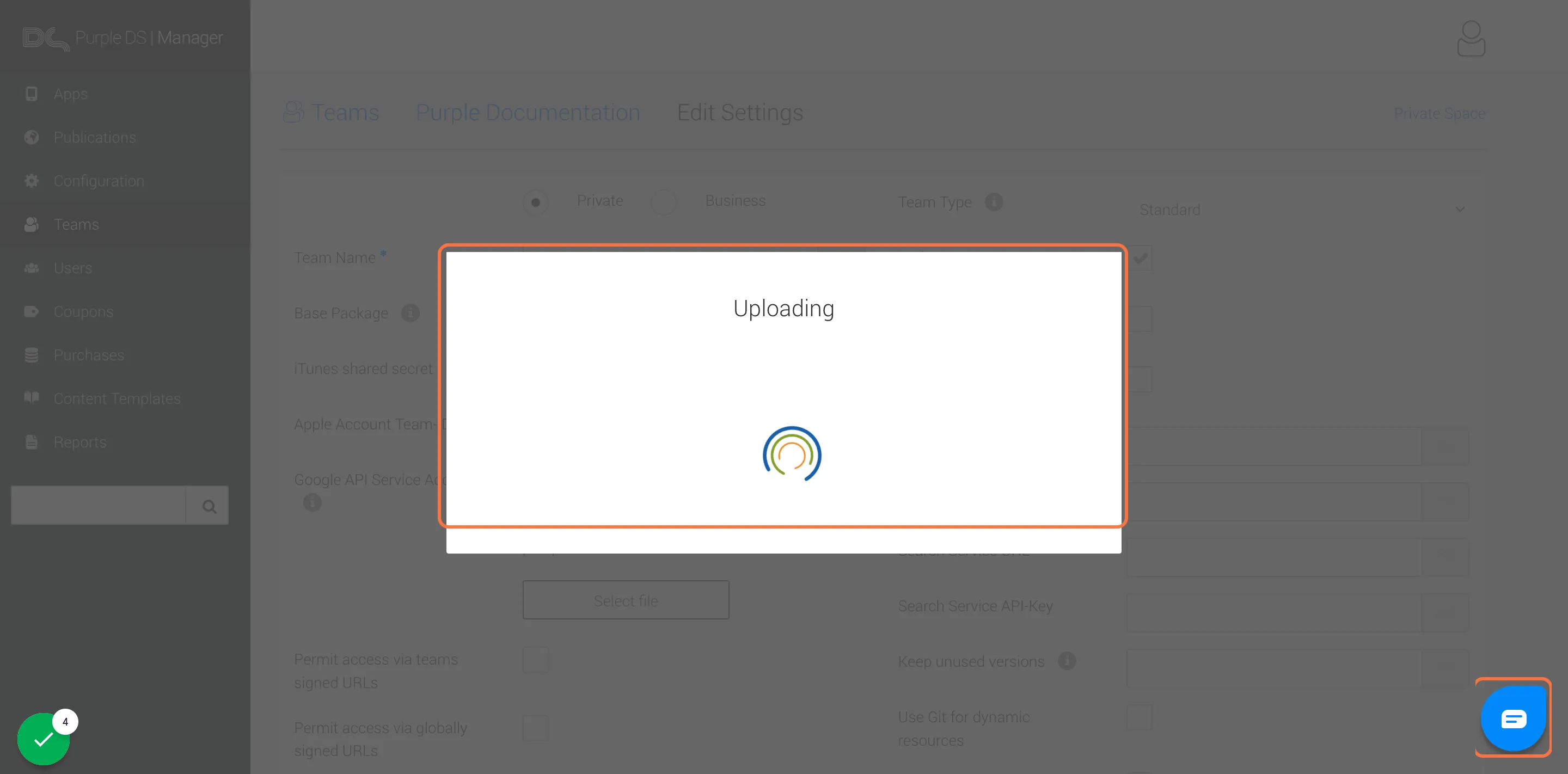
5. Upload the Private key JSON which you have created and downloaded from the Google Play Console
6. Click on Save to save the uploaded file