Content Overview
This page explains how to use the Content Overview pages, such as the Post Overview.
Opening articles in a new tab
In the Post Overview, articles can be opened in a new tab directly from the list by clicking the "Open in new tab" icon next to the title.
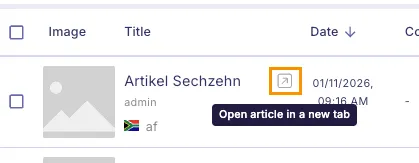
This workflow is especially useful when working with complex filter combinations, as it allows editors to return to the same filtered view without having to reconfigure the filters.
Show deleted items
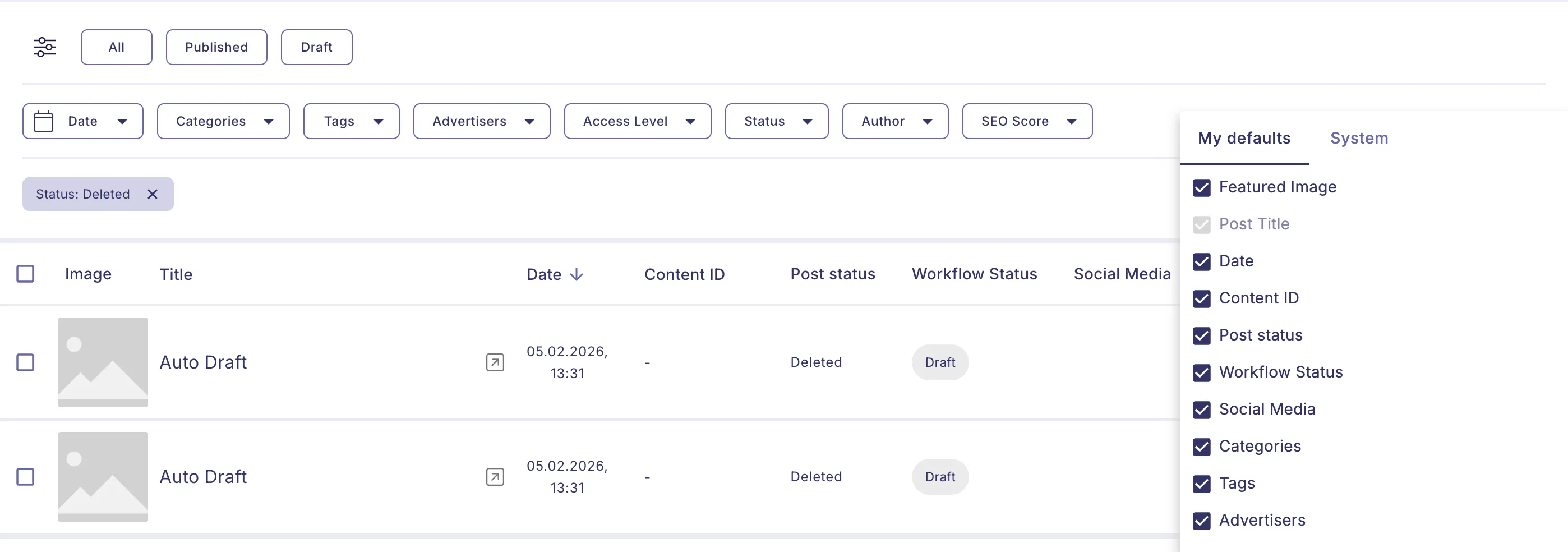
In the Post Overview, deleted articles can be displayed by opening the Status filter and selecting Deleted.
Please note: this refers to the Post Status, not the Workflow Status. Sometimes only the Workflow Status column is shown, which can cause confusion. To resolve this, also display the Post Status as a column via the menu in the top right of the table.