Dossier Detail View
In this article you will learn how to access and work with the Dossier Detail View, including how to review articles inside a dossier and navigate to editing and preview options.
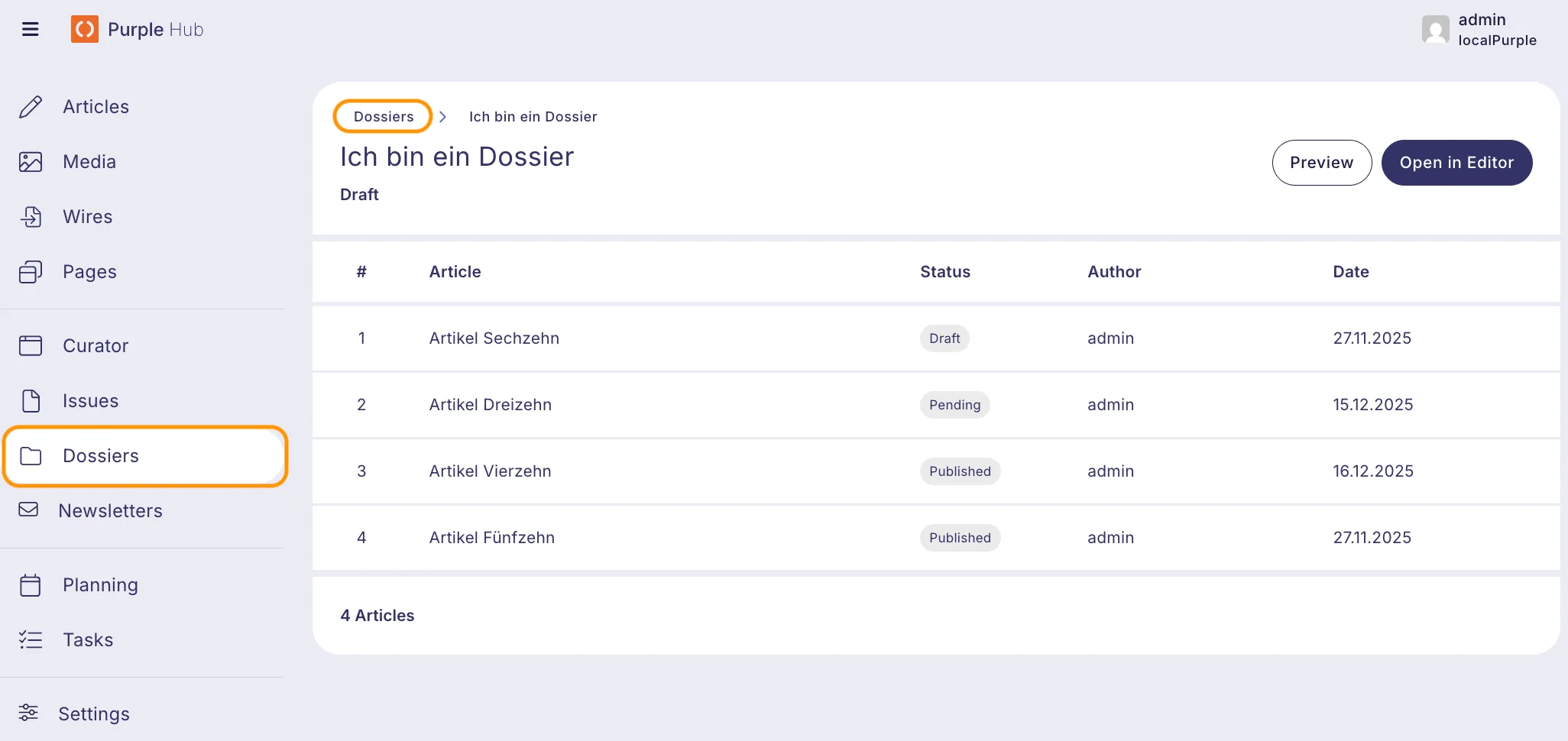
1. Go to the Purple Hub and click on "Dossiers" to access the Dossier Overview.
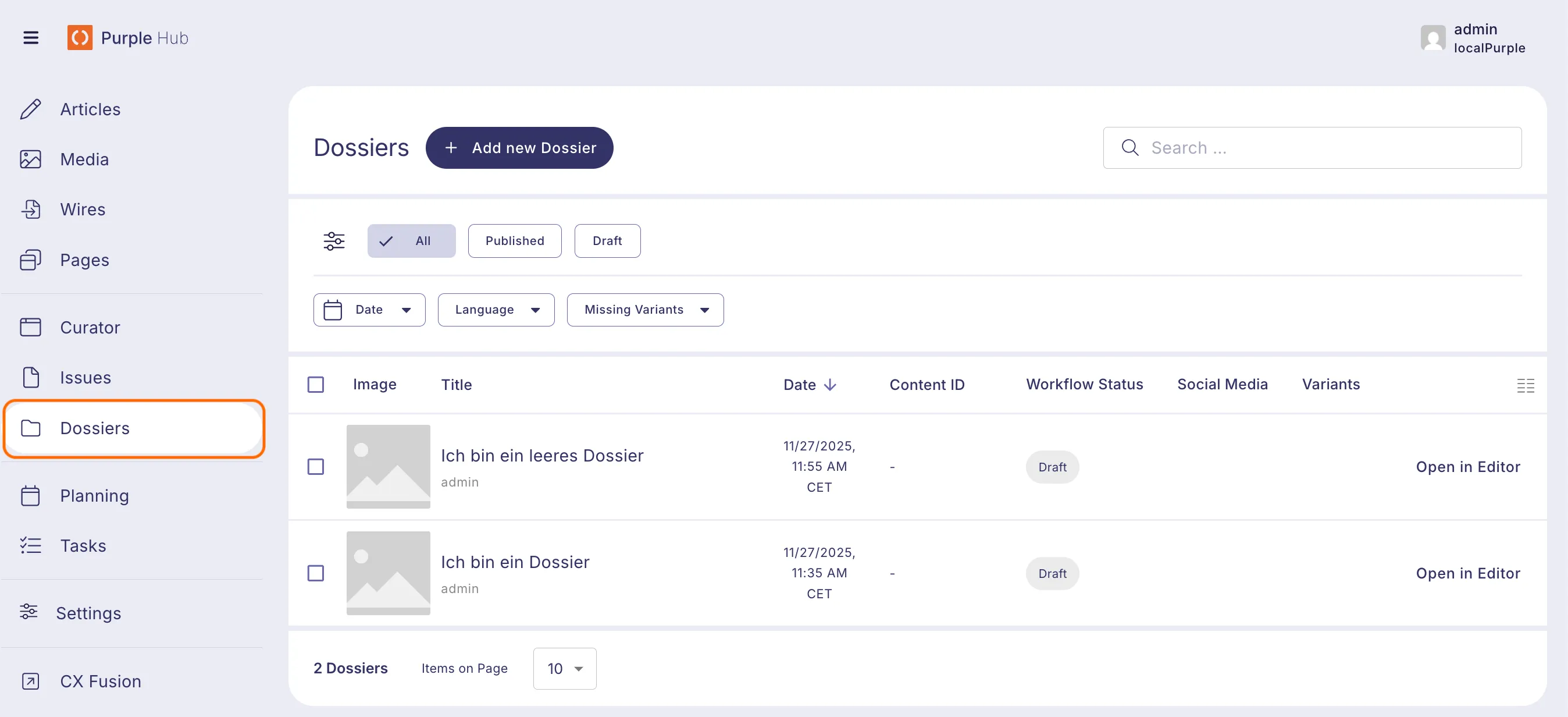
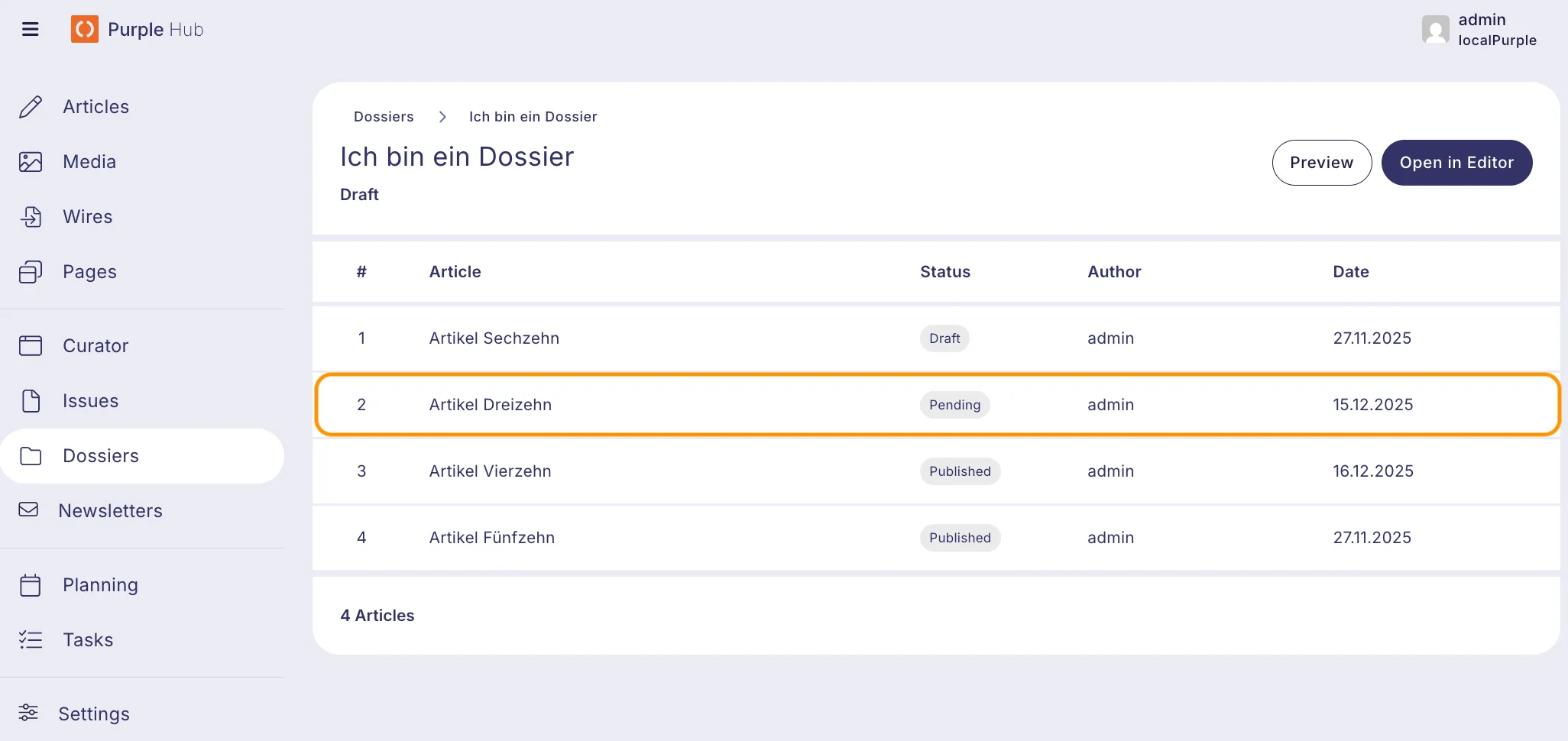
2. In the Dossier Overview, you will see all your dossiers listed in a table. You can either click the "Open in Editor" button to open a specific dossier in the Dossier Editor, or click anywhere else on the row to open the dossier in the Dossier Detail View.
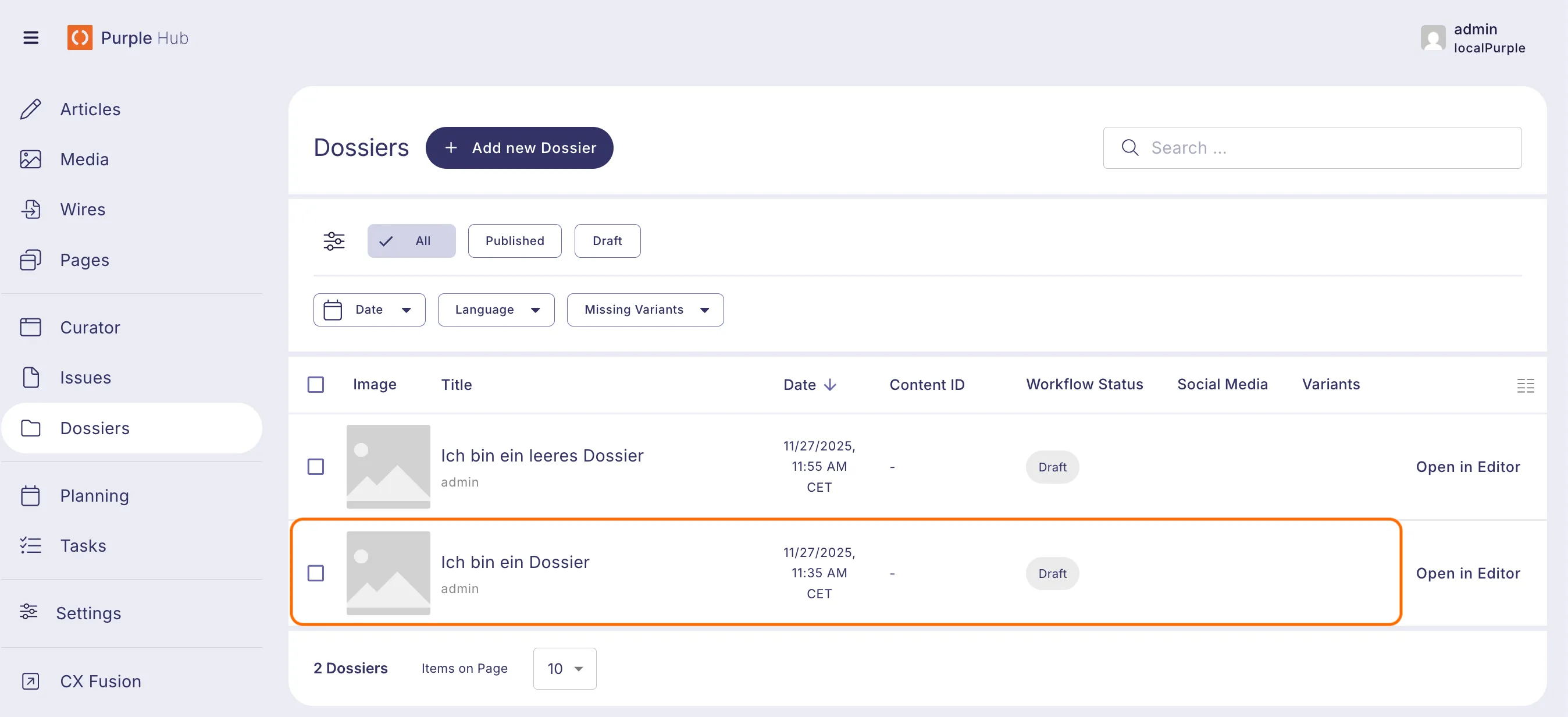
3. The Dossier Detail View provides an overview of all articles contained in the selected dossier. It displays key information for each article in a structured table, allowing you to quickly review the contents of the dossier. The values shown here are read-only and cannot be changed from the Dossier Detail View. Additionaly the current publish status of the issue, including a date for scheduled or published states, is displayed below the Issue's title.
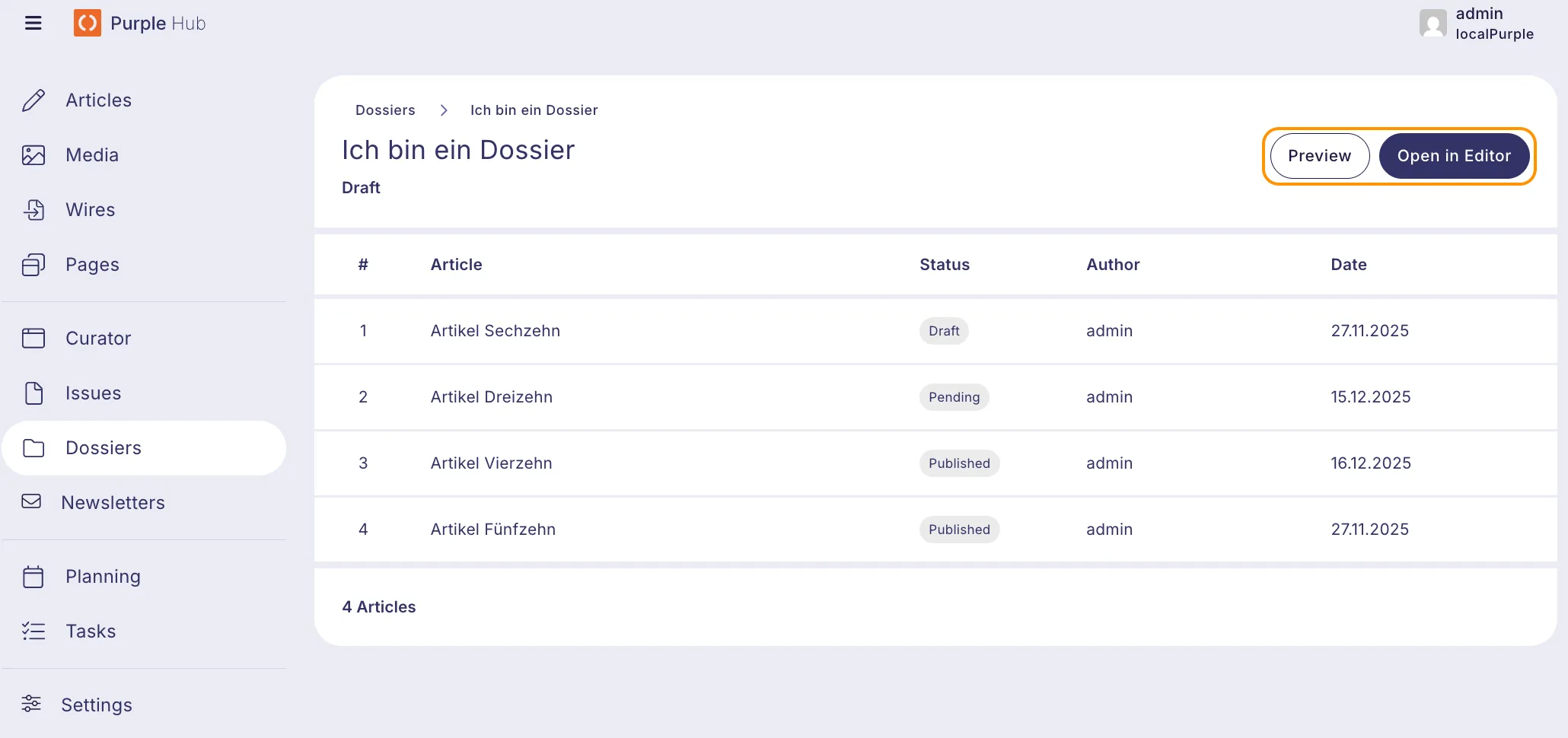
4. At the top right of the page, you can find two action buttons: Preview – Opens a preview of the dossier Open in Editor – Opens the dossier in the Dossier Editor
5. You can click on any article row in the table to open the selected article in the Article Editor, where you can edit its content, metadata, and layout.
6. To return to the Dossier Overview, you can either click "Dossiers" in the sidebar or use the breadcrumb navigation at the top and click "Dossiers".