Multi language support
4 min
Multilanguage in the Purple DAM
The Purple DAM supports multilanguage. You can assign a language to each file, manage connected language variants, and filter the media library by language.
Setup
To enable multi language and machine translation, see Multi language setupMulti language
Viewing Language and Variants
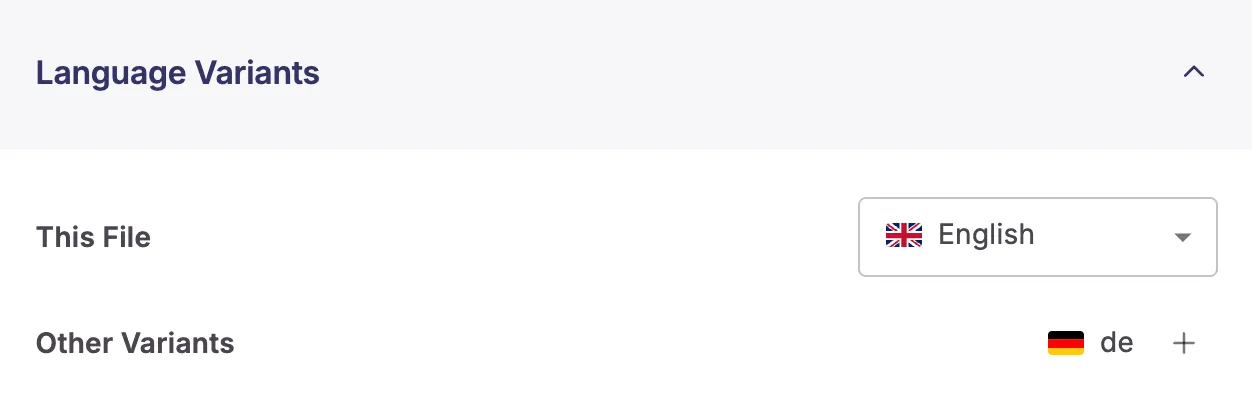
Each file shows its assigned language in the file details, along with any connected language variants.
Creating a New Language Variant
- Open a file in the Purple DAM.
- Under "Language Variants" click the plus icon to add a variant.
- Choose how to handle metadata for the new variant:
- Copy metadata — duplicates all metadata from the source file
- Empty metadata — creates the variant with no metadata
- Machine translation — automatically translates metadata using the connected translation service. (See Set up machine translationshere to learn how to set up machine translation in your Hub.)
- Save the variant. -> you will be redirected to the new variant.
Filtering by Language
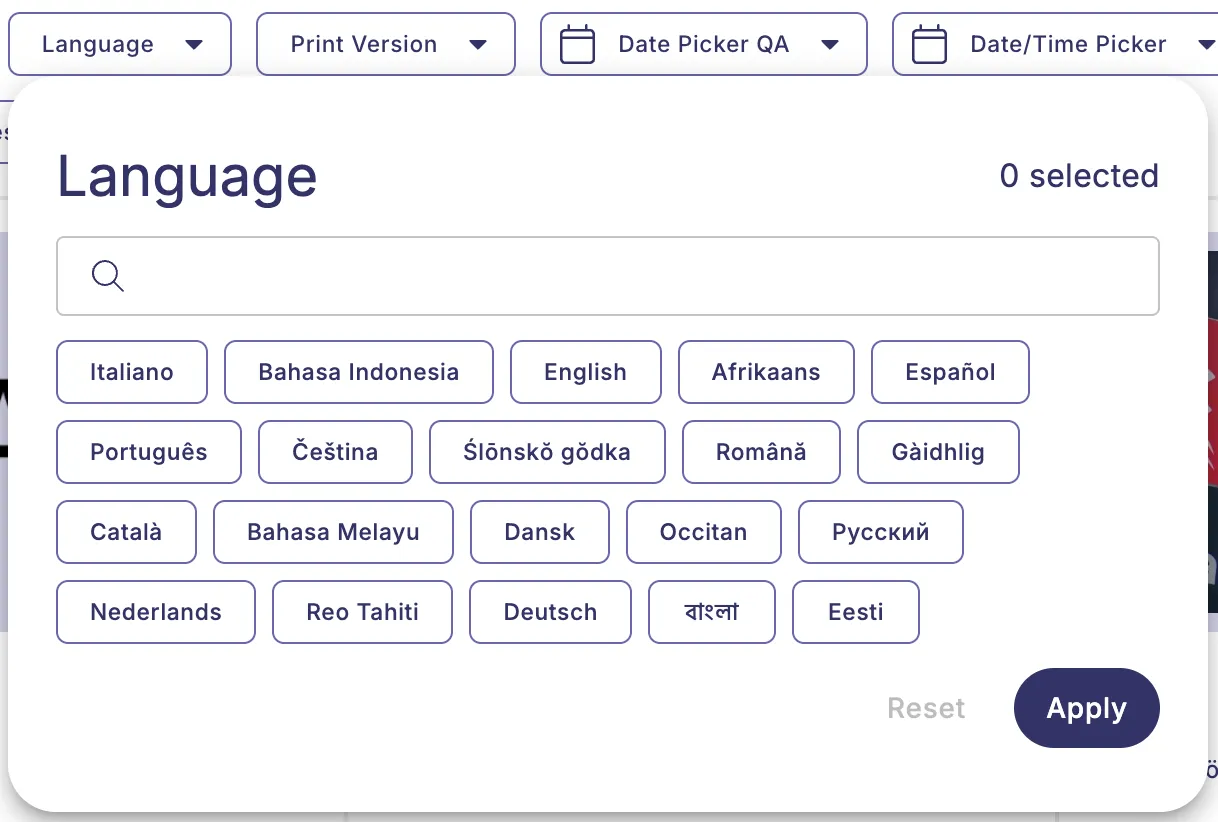
Use the language filter in the DAM to show only files assigned to a specific language.