Target Article
ℹ️ Note: Target Article requires Purple DAM PlusPurple DAM Plus.
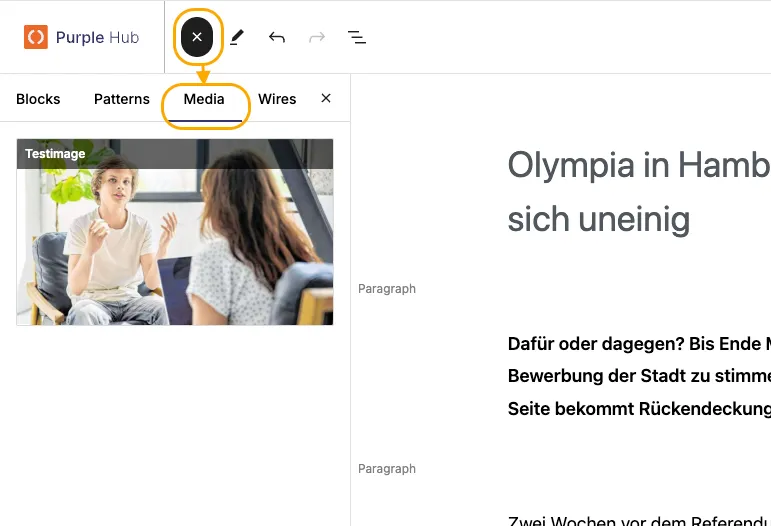
You can assign a Target Article to link files to a specific article. Linked files will appear in the Media sidebar of the editor and when the Media Library is opened from within that article.
Use case
The Target Article functionality is especially helpful in the following scenario: A sports photographer has created photos of the football game. The sports writer needs to write the article, therefore also has to select images to go with the article. The article has been drafted, but not yet written. The photographer uploads their complete set of images, including the pdf of the official program to Purple DAM and targets the article for which they should be used. Because all the media is targeted to the article, the editor can easily browse through them in the Media sidebar and Insert Media Dialog in the Editor.
Choosing a target article
During Upload
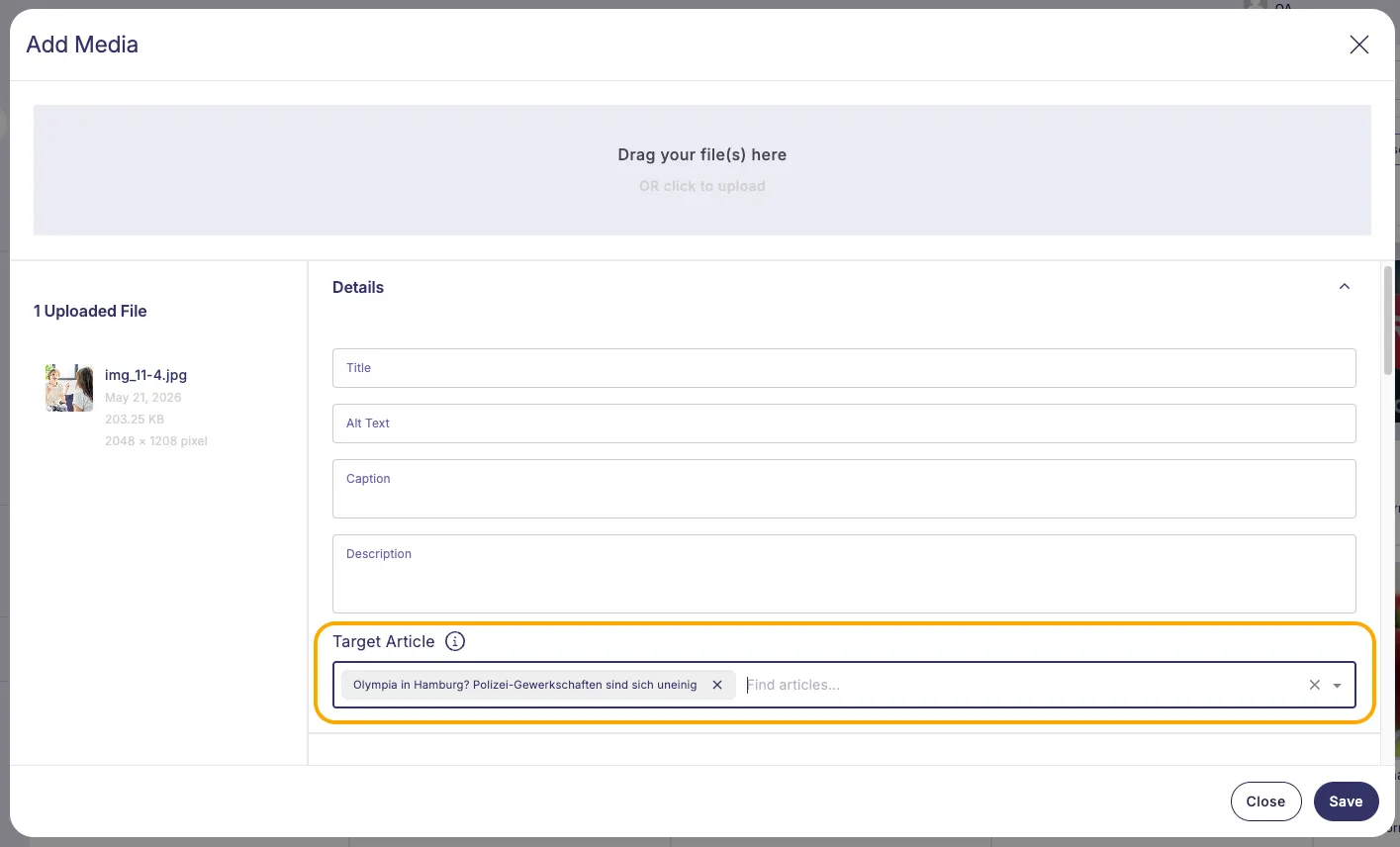
- In the upload dialog, click the Target Article field.
- Type to search for an article and select it.
- Complete the upload as normal.
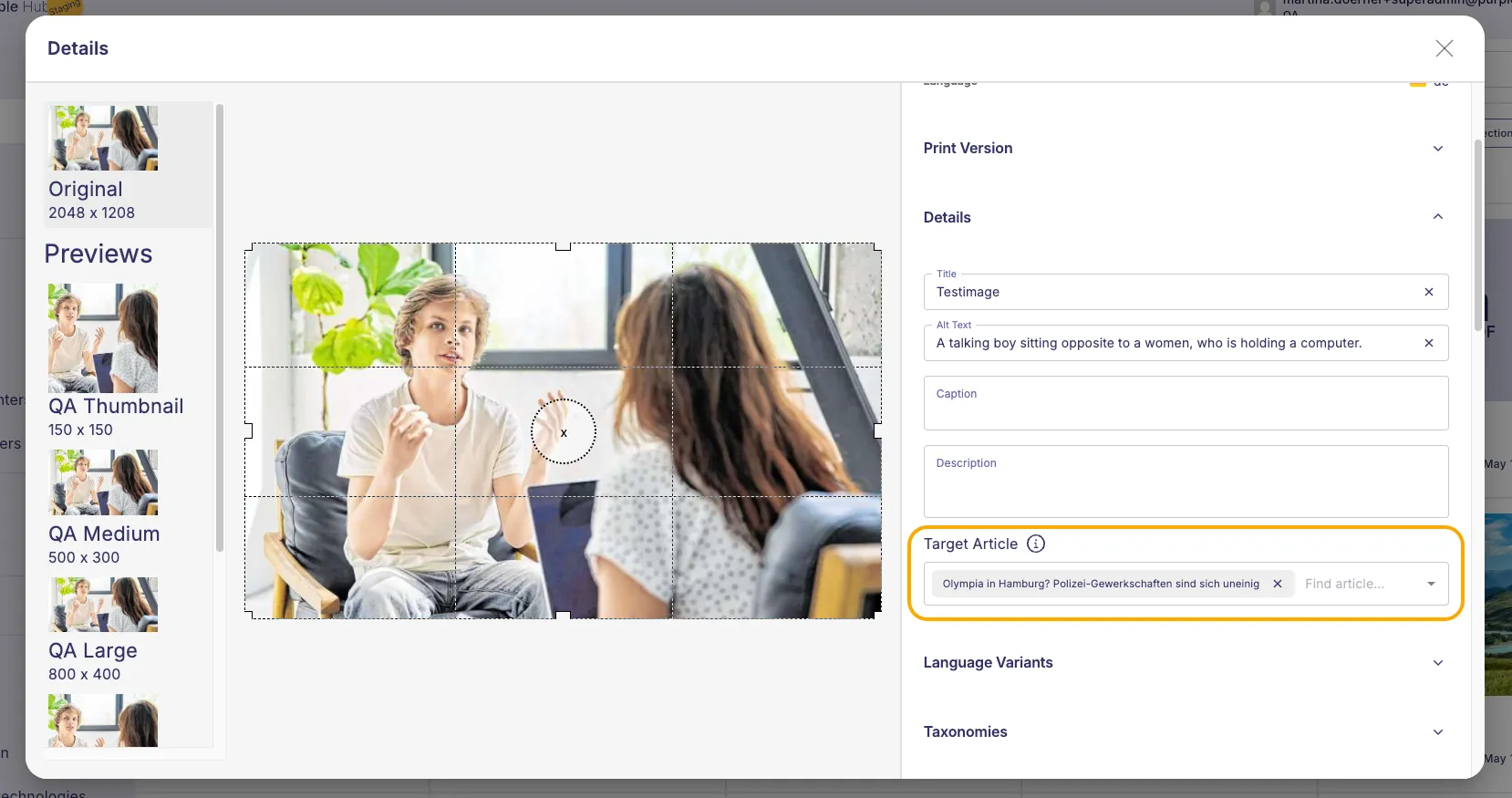
Multiple articles can be assigned to the same media item. The target can also be changed later in the Image Detail view.
In the file details
- Click on an already uploaded file to open the File Details
- Click the Target Article field.
- Type to search for an article and select it.
Inserting files into target article
Once files have been targeted to an article, they can be accessed from two places within the editor of that article: the Insert Media Dialog and the Media Sidebar.
From the Insert Media Dialog
- Open the article you targeted the files to.
- In the editor, open the Insert Media Dialog where you would normally insert an image.
- Select the Targeted tab as Source to see all media that has been targeted to this article.
- Choose the file you want to insert.
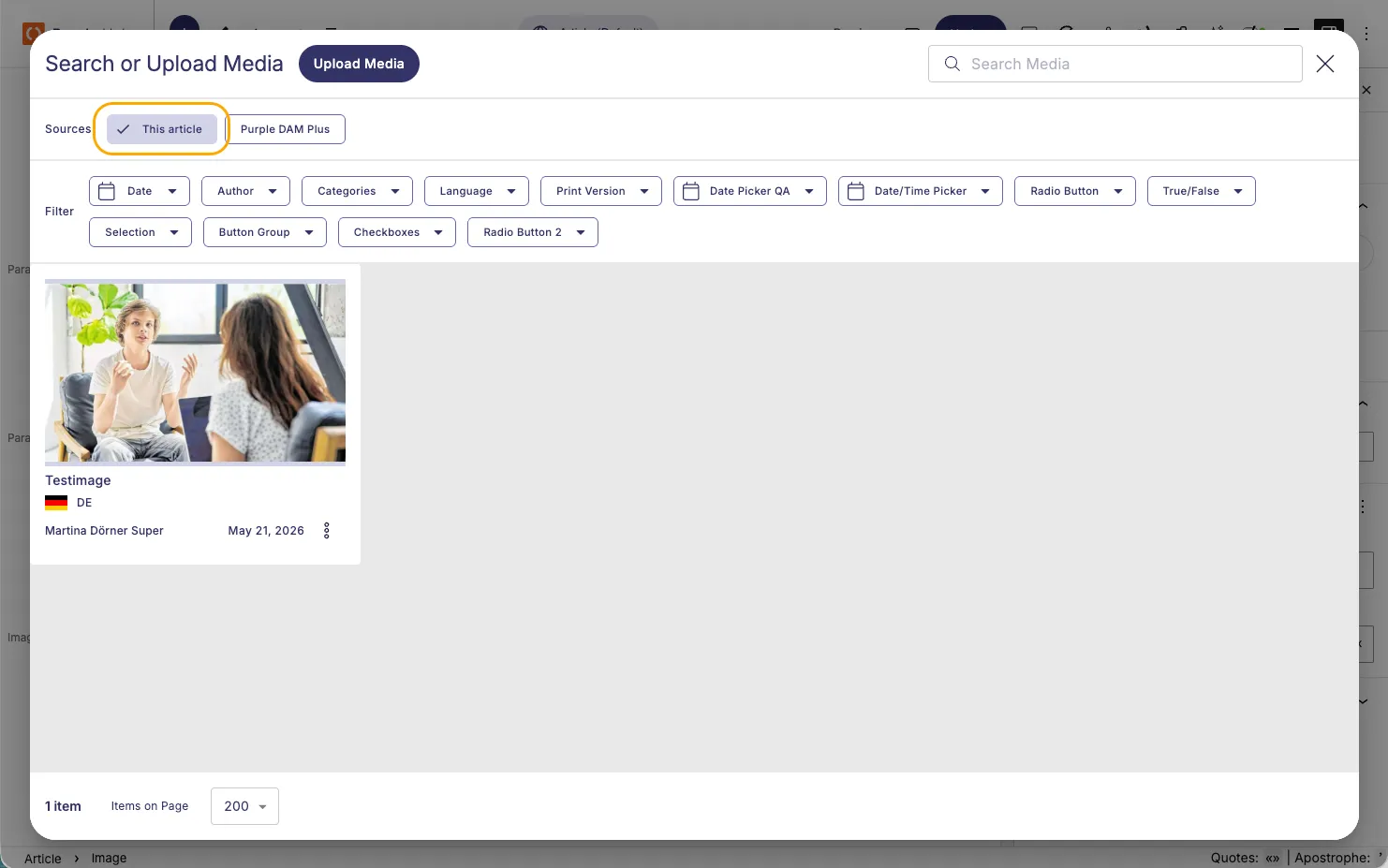
If no files have been targeted to the article, the Targeted tab will not appear and the dialog behaves as usual.
From the Media Sidebar
- Open the article you targeted the files to.
- Open the Media Sidebar in the editor.
- All media targeted to the article is shown in the sidebar overview.
- Insert images and videos directly into the article from the sidebar. For files that cannot be inserted into the article (such as PDFs), click the link to open the document in a new browser tab.
If no files have been targeted to the article, the Media Sidebar behaves as usual.