App setup - Sourcepoint
3 min
Summary
This article describes how to configure the Sourcepoint SDK in Purple Manager to use it in your Purple Experience.
Preconditions
Have an account created for the Consent Management Platform Sourcepoint
How to
Go to your Sourcepoint account on the Service Provider's website, copy the following properties.
- Sourcepoint Account-ID
- Sourcepoint Property-ID
- Sourcepoint Property-Name
- Sourcepoint Privacy Manager-ID
Go to Purple Manager -> Apps -> Overview -> Three dot menu -> Consent/Push/Analytics -> Consent Management ->SourcePoint SDK
Paste the copied properties into the according fields in Purple Manager.
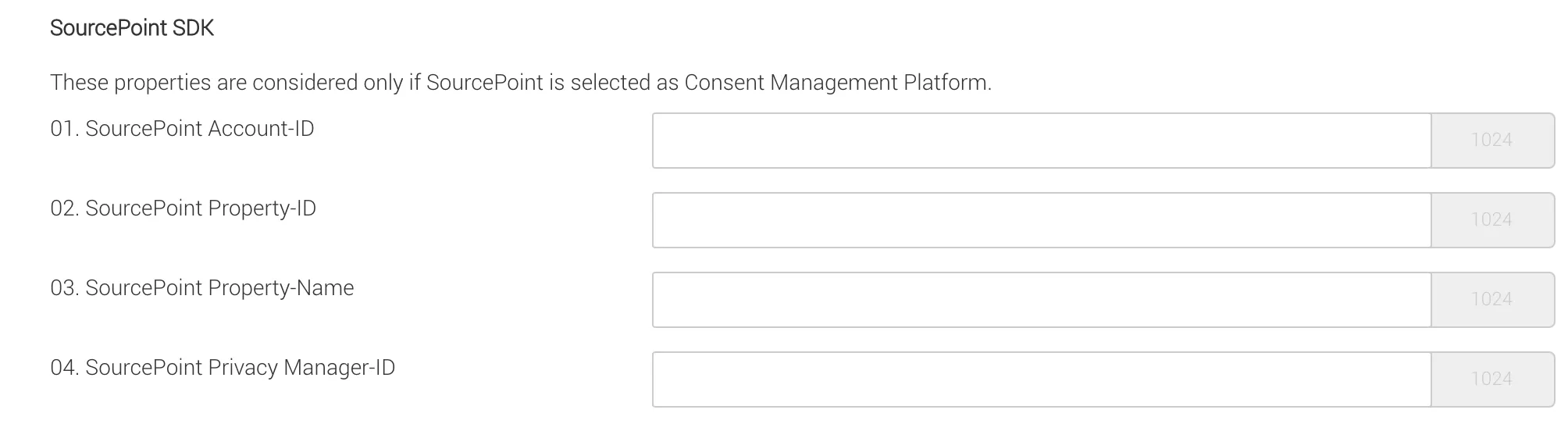
Configuration of the Sourcepoint SDK
Vendor-Ids
To set up vendor ids, please refer to Set Up Vendor Ids for CMPs. Also, please note any Documentation of the provider regarding proper data privacy agreements.