PDF Download (Web only)
This article explains how to enable PDF download functionality for web content in the Purple Experience, allowing users to download PDFs to their devices. It includes steps for configuring PDF delivery and customizing the App Bar to add PDF controls.
Configuration
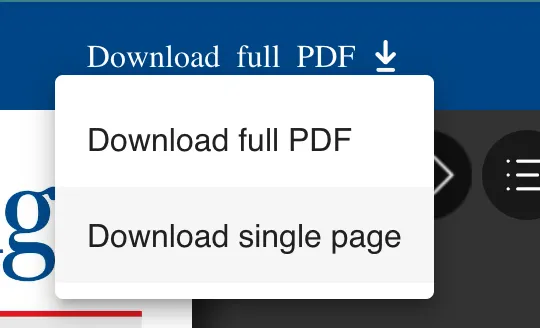
You can offer PDFs of your content to be downloaded to the user's device. This feature is limited to web usage and is not available from the native apps.
To configure PDF delivery for turning on this feature, please see Configure PDF download for e-paper module in web
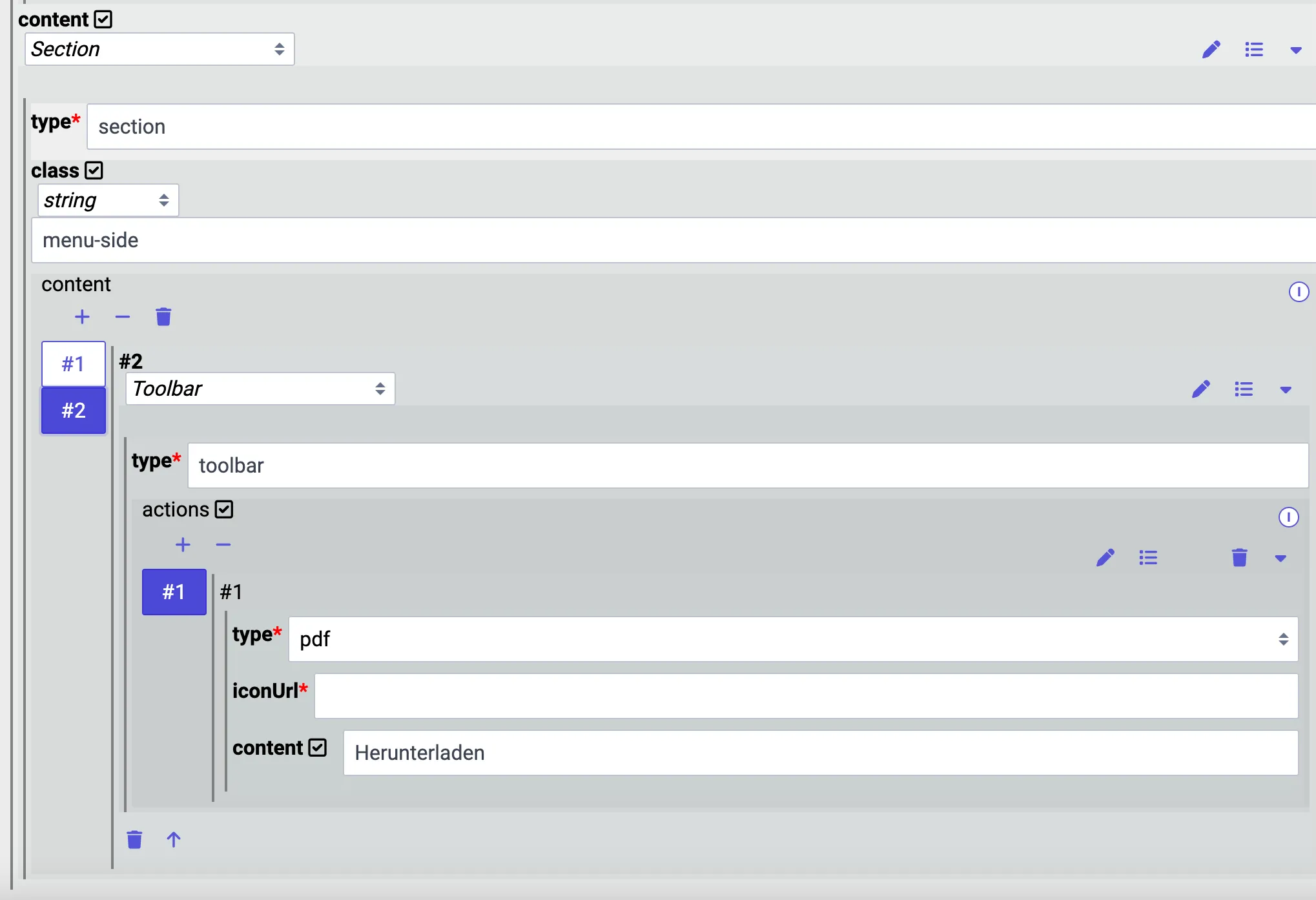
As soon as the PDF is available, PXP will automatically try to add the necessary controls to the App Bar. For that, the App Bar with the ID "Back" is always used. By default, you will not see any configuration in your app Bar JSON, but you can override it. To achieve that, add a Section and then a toolbar component to the content of the app bar. Now, set an action for the toolbar, and add an icon and message to your liking. You may even add conditional behavior to the Section you place the toolbar in.